Students abroad
Log in to school portals, download papers and attend online classes on time.

QuickQ
Auto-picked regional routes | One account for all devices | Switch between work, study and play
Download QuickQRoutes span Europe, the Americas, the Middle East, Africa and Asia-Pacific, picking an exit close to you or the site you want so data travels less.

Tap download and grab the package for your system.
Open the app and sign in, or create an account when asked.
Use the suggested route or choose a region and tap once.
Destination-based routing
The client routes traffic by destination: overseas work tools, academic sites and video platforms take optimised routes, while local banking, delivery and shopping apps stay direct.
Try it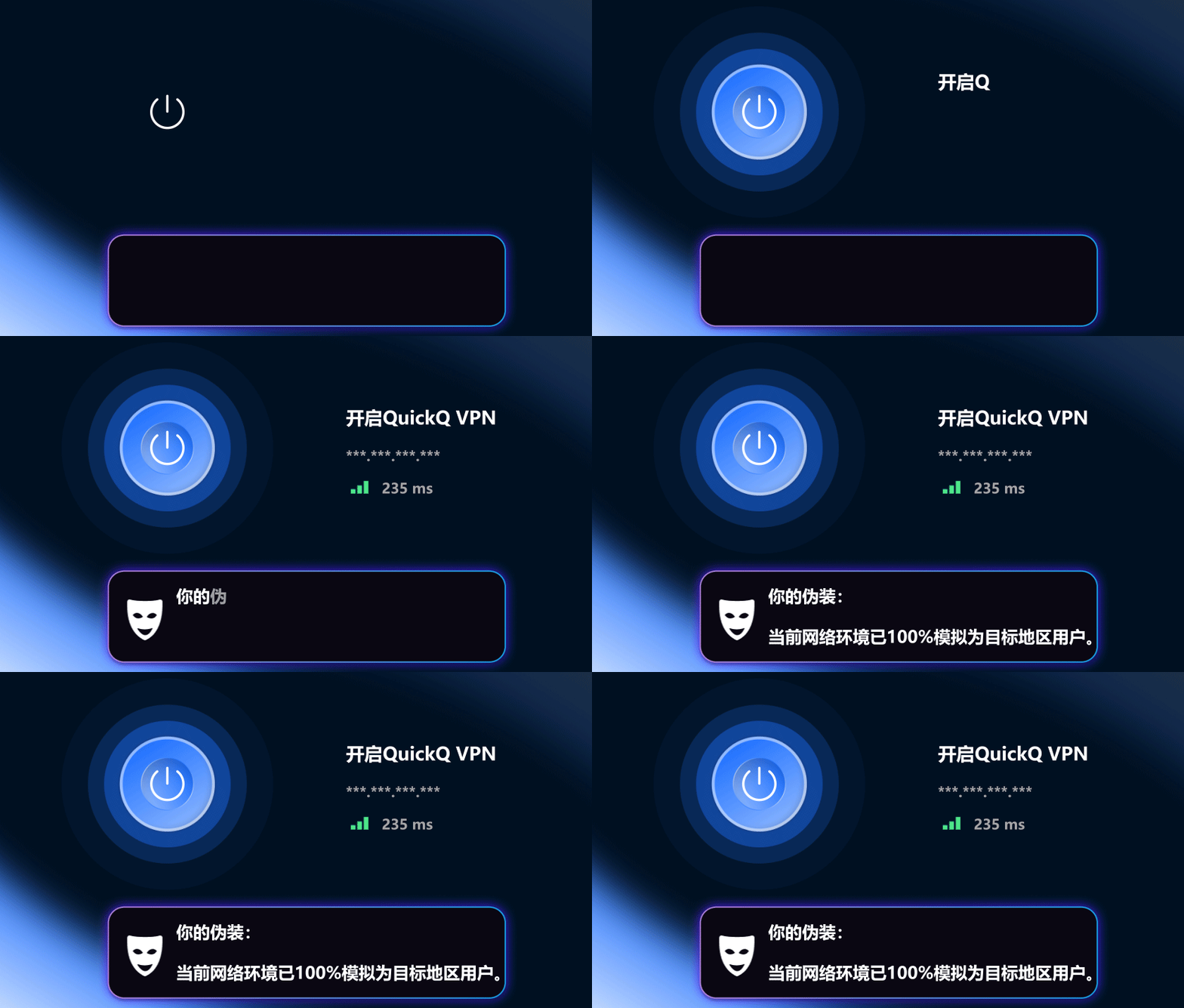
Optimised data paths to common overseas game servers reduce packet loss and ping jumps in team fights, racing and shooters.



Open overseas store dashboards, check ad results, post to social channels and video-call buyers abroad on stable routes with less waiting.
Device supportLog in to school portals, download papers and attend online classes on time.
Meet across time zones, sync cloud drives and use collaboration apps.
Reach overseas servers, watch global events and squad up abroad.
Browse global asset sites, upload work and track world trends.
Four everyday factors compared, to help you decide whether an accelerator is worth it.
| Factor | Plain connection | With QuickQ |
|---|---|---|
| Overseas site loading | Varies with congested international links | Better route picked automatically for steadier loads |
| Public Wi-Fi safety | Higher risk of exposed data | Encrypted transfer lowers snooping risk |
| Local app experience | Unaffected | Local apps stay direct thanks to split routing |
| Managing devices | Set up each device separately | One account signs in on several devices |

Monitors route health and suggests lower-latency exits first.

Get help with setup, connections and accounts via official channels.

Cuts exposure risk on hotel and airport public Wi-Fi.

Limits IP-based cross-site tracking by sites and advertisers.

Network resources are maintained to reduce quality issues.
Download only from the official entry and check the publisher name.
On work or campus networks, follow your institution’s rules and local laws.
Never lend your account and review signed-in devices regularly.
Pay with PayPal, VISA, UnionPay and other common methods; the checkout page shows what is available.


Windows, macOS, iOS, iPadOS and Android; tap download for the right build.
It depends on your subscription; check the limit at checkout or in your account center.
Usually barely; speed depends on your broadband, route distance and route load.
A nearby route is usually fastest; switch to a specific region to reach its services.
Switch to a route near the game server region and close other bandwidth-heavy apps.
Pick your device, download the client and be set up within minutes.
Get it free